Comparisons
The Best Jobber Alternatives for Solo Trades (2026)
By Lee··8 min read
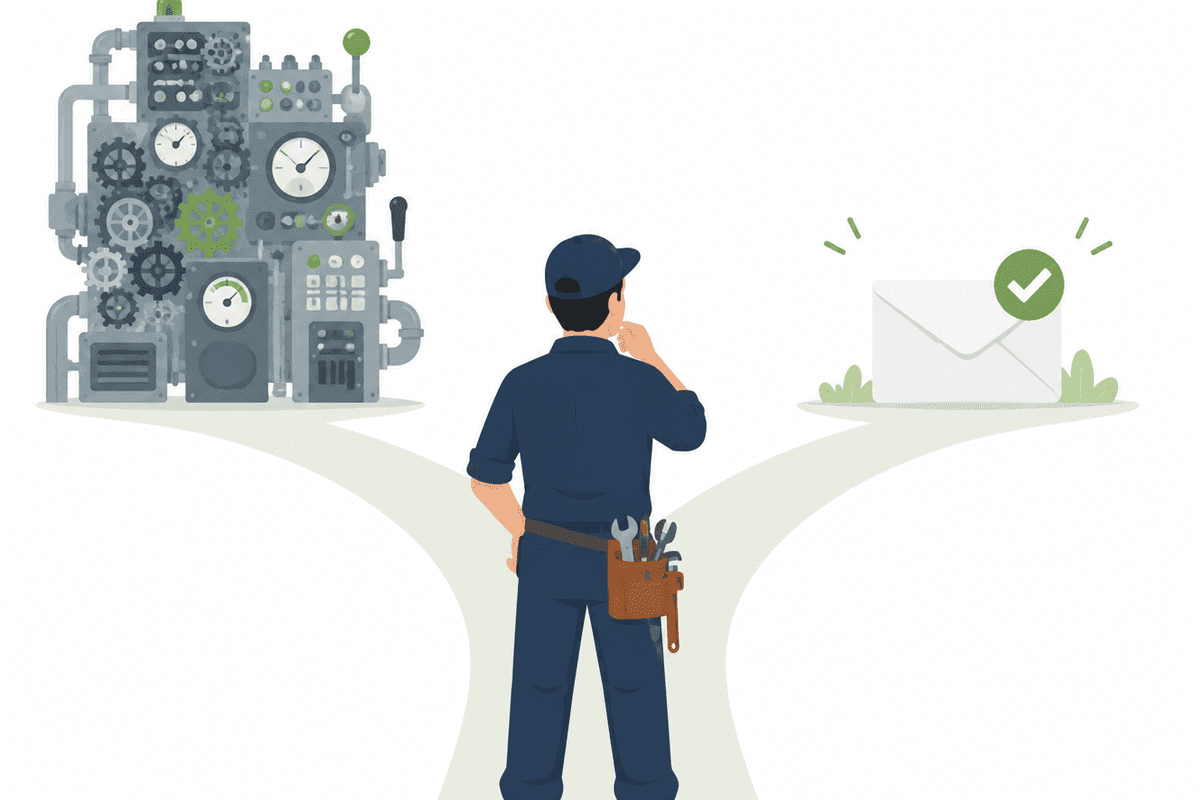
Jobber is genuinely good software. It's one of the most popular field-service platforms for small businesses — scheduling, dispatch, quoting, invoicing, a client portal, online booking, and payments, all wired together. Tens of thousands of service pros run their day on it.
But if you run a one-person shop and your real problem is that invoices aren't getting paid, most of that platform is overhead. You end up paying for quoting workflows and a client hub you'll barely touch, learning a system designed for a growing crew, and still chasing overdue invoices yourself at the end of the week.
This guide is for the solo plumber, electrician, or HVAC tech who looked at Jobber — or is already paying for it — and thought this is more than I need. We'll cover where Jobber starts to feel like too much for one person, then compare the lighter alternatives honestly, including the cases where Jobber really is the right call.
What Jobber is great at
- Scheduling and dispatch in one place. A calendar, routes, and job assignments that hold up once there's a team to coordinate.
- Quoting and invoicing workflow. Turn a visit into a quote, then a quote into an invoice, without rekeying the work.
- A client hub. A self-service portal where customers can approve quotes, pay, and book — genuinely useful once you have enough volume to matter.
- Online booking and a strong mobile app. Built for pros who are on the road, not at a desk.
If you plan to hire, want online booking on your site, and don't mind paying for breadth, Jobber is a solid default. Its entry plan starts in the ~$69/mo range (check their site for current pricing) and climbs as you move up tiers and add people. The problem isn't the product. It's the fit between a platform built to scale and a one-person shop that just wants to get paid.
Where Jobber starts to feel like too much for a solo pro
- You wanted invoices and follow-up. You got an operations platform. Quoting pipelines, assignment rules, a client hub, expense tracking — each reasonable for a crew, together a lot of surface area a solo pro never touches.
- Price steps up with tier, not usage. Plans jump as you move from "solo" into tiers meant for teams — so you can end up paying for office features while the one thing you needed (reliable follow-up on unpaid invoices) still isn't running on its own.
- Reminders exist, but you run them. Jobber can send payment reminders — but you're the one setting up the cadence, templates, and triggers, and most solo pros never finish the setup. The product sells invoicing; it doesn't sell we'll chase this for you.
- Setup and learning curve. It's a platform, not a single-purpose tool. Onboarding takes real time — and time is what a one-person shop never has enough of.
None of this is a knock on Jobber. It's a reminder that "built to scale" and "solves the problem in front of you" aren't the same thing.
The best Jobber alternatives, compared
| Tool | Best for | Starting price | Watch out for |
|---|---|---|---|
| Housecall Pro | Full field-service platform for a growing crew | ~$59/mo+ | Same platform-bloat risk; reminders are DIY |
| Square Invoices | Free invoicing if you already take cards via Square | Free (card fees on payments) | Scheduled reminders, but built around card-pay via Square |
| Wave Invoicing | Free invoicing + basic bookkeeping | Free (paid payments/accounting add-ons) | Scheduled reminders need Wave Payments or Pro |
| Invoice Simple | Dead-simple mobile invoicing | Free / low-cost | No automation — it's a generator, not a system |
| FieldNudge | Automatic, polite payment reminders for solo trades | Flat $9/mo (first month free) | Invoicing + chasing only — not a full field-service suite |
Pricing reflects each vendor's published plans as of mid-2026 — verify current numbers on their sites before you commit.
Housecall Pro
The closest like-for-like to Jobber, and the most common comparison. Housecall Pro bundles scheduling, dispatch, CRM, online booking, and payments into one app aimed at field-service businesses that intend to grow. For a solo pro, it carries the same trade-off as Jobber: you're buying a platform, and the payment follow-up is still something you configure rather than something the product just handles.
Square Invoices
Free to use, with Square earning its money on card-processing fees when a customer pays by card. If you already run payments through Square, the invoicing is an obvious add-on. The honest limit: Square is a payments company, and its scheduled reminders are off by default and built around getting the customer to pay by card through Square — you set the cadence and tone yourself, rather than the product running the whole follow-up for you.
Wave Invoicing
Free invoicing paired with basic bookkeeping, which appeals to solo pros who also want a simple P&L. Wave is solid for creating and sending invoices, and it can schedule reminders — but only if you accept payments through Wave or pay for its Pro plan, and the cadence is still yours to build rather than a done-for-you sequence.
Invoice Simple
The leanest option here: a mobile-first invoice generator. If all you want is to produce a clean invoice from your phone in two minutes, it's great. Just know it's a generator, not a system — there's no automated follow-up, no tracking, no closing of the loop. You send it, and then it's on you.
FieldNudge
FieldNudge is the narrowest tool on this list, on purpose. It does two things: sends clean invoices (customer, email, amount, due date — plus a PDF and an online view link), and then chases the unpaid ones for you with polite, automatic reminders before the due date, on the due date, and at 3, 7, 14, and 30 days overdue. When the check lands, you tap one button in an email and every reminder stops.
What it doesn't do is everything else — no scheduling, no dispatch, no quoting, no client hub. If you need those, FieldNudge isn't a Jobber replacement; it's the layer underneath whatever you use that makes sure invoices actually get paid. At a flat $9/mo (first month free), with no accounting software to connect, it's built for the solo pro whose real bottleneck is follow-up, not features.
How to choose
- You're hiring a crew and want booking, dispatch, and a client portal. Stay with (or pick) Jobber or Housecall Pro. The breadth earns its keep once there's a team to coordinate.
- You just want free invoices and you'll chase them yourself. Wave or Square. Costs nothing, sends clean invoices, and the manual reminders are fine if you actually use them.
- You want dead-simple invoicing from your phone. Invoice Simple. No automation, no learning curve.
- Your real problem is that invoices sit unpaid because no one follows up. That's the gap FieldNudge fills. It runs the reminder cadence for you until the money arrives — no platform, no 12-step setup.
The healthiest setup for a lot of solo pros isn't one platform that does everything — it's a simple invoicing tool paired with something that relentlessly follows up. Jobber is excellent at the operations part. Just make sure something is actually doing the second.
Common questions
Is Jobber worth it for a one-person trades business?
If you're running a small crew and want scheduling, quoting, dispatch, and a client portal in one app — yes, Jobber earns its keep. If you're solo and the thing actually hurting you is that invoices sit unpaid, most of Jobber's platform is overhead, and you'll still be the one configuring and babysitting the reminders.
What's the cheapest alternative to Jobber?
Free options like Wave Invoicing and Square Invoices cost nothing to start — you only pay card-processing fees when a customer pays by card. They send clean invoices fine. The honest catch: neither runs the automated follow-up that actually collects overdue invoices, so the chasing is still on you.
Does FieldNudge replace Jobber's scheduling and dispatch?
No, and that's on purpose. FieldNudge does two things — send clean invoices and then chase the unpaid ones for you with polite, automatic reminders until the check arrives. If you need scheduling, dispatch, or quoting, pair FieldNudge with (or keep) a tool built for that. It's the layer underneath that makes sure invoices get paid.
Can I just use free invoicing instead of paying for anything?
You can, and plenty of solo pros do. Just know 'free invoicing' covers sending the invoice, not getting it paid. If late payments are eating your evenings, the money isn't in the invoicing app — it's in reliable, automatic follow-up, which is the one thing the free tools don't really do.
Lee
Founder of FieldNudge
Lee is the founder of FieldNudge. After years of watching small service businesses lose income to invoices nobody followed up on, Lee built FieldNudge to automate the polite, persistent follow-up that gets them paid — without anyone having to play debt collector.
Stop chasing. Start nudging.
FieldNudge sends polite, automatic payment reminders on your behalf until the check arrives — then you tap one button to mark it paid. Free for 30 days or 30 invoices.